The Mechanics of Quishing: When QR Codes Become Attack Vectors
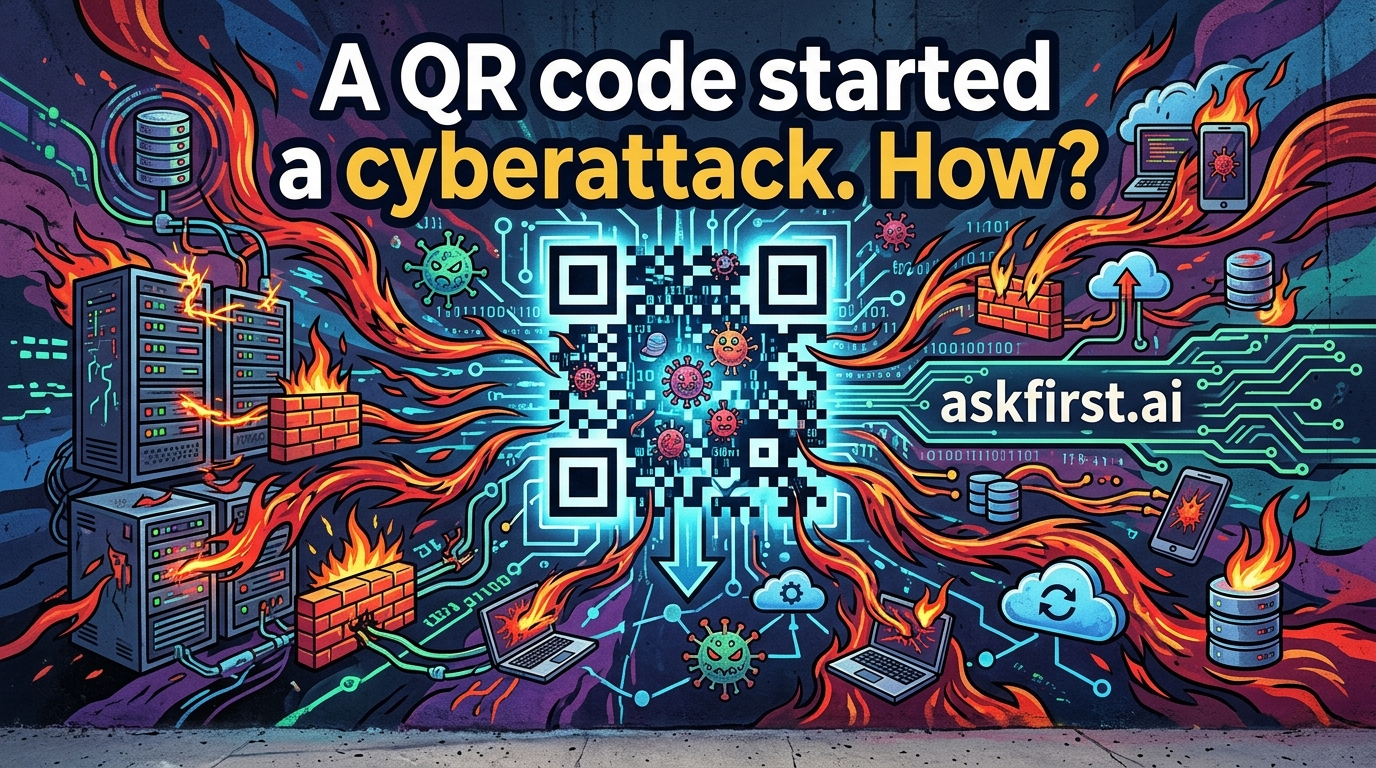
The term "Quishing" (a portmanteau of QR code and phishing) describes a cyberattack where malicious actors use Quick Response (QR) codes to deceive users into compromising their security. While QR codes are inherently neutral, their design—the inability for humans to "read" the encoded URL before scanning—makes them an ideal vehicle for social engineering.
How a QR Code Initiates a Cyberattack
A QR code is essentially a visual shortcut to a digital destination. When a user scans one, their device’s firmware automatically parses the encoded data and directs the browser to a specific URL. Attackers exploit this automation through several specific methods:
- URL Obfuscation: Attackers create a malicious landing page that mimics a legitimate service (e.g., a banking login, a parking payment portal, or a corporate SSO page). Because the code is scanned via a mobile device, the user is often less vigilant than they would be on a desktop.
- Credential Harvesting: Once the user lands on the spoofed site, they are prompted to enter login credentials or multi-factor authentication (MFA) tokens. The attacker captures this data in real-time.
- Drive-by Downloads: The QR code may point to a URL that triggers an automatic download of a malicious payload, such as a banking Trojan or ransomware, designed to exploit vulnerabilities in the mobile operating system.
- Malicious App Installation: In some cases, the QR code leads to a third-party app store or a direct APK download, tricking the user into installing a "security update" or "official app" that is actually spyware.
The Anatomy of a Quishing Attack
Attackers typically distribute these codes via physical tampering or digital manipulation:
- Physical Substitution: Attackers place malicious QR code stickers over legitimate codes on public infrastructure, such as parking meters, restaurant menus, or shared electric scooters.
- Email-Based Phishing: Attackers send emails containing QR codes, claiming that a "security alert" or "account verification" is required. This bypasses traditional email security filters that scan for malicious links but may not effectively analyze the content embedded within an image file.
Pros, Cons, and Risks
| Feature | Benefit | Risk |
|---|---|---|
| Convenience | Instant access without typing long URLs. | Blind trust in the destination. |
| Automation | Seamless integration with mobile OS. | Exploitation of browser auto-redirects. |
| Ubiquity | Accessible to any smartphone user. | High attack surface for broad campaigns. |
Practical Mitigation Strategies
To defend against Quishing, organizations and individuals should adopt a "Zero Trust" approach to scanning:
- Use Secure QR Scanners: Utilize built-in OS scanners (like those in iOS or Android) that provide a "link preview" before the browser opens the site. Avoid third-party QR reader apps that may track data or lack security vetting.
- Verify the Context: Never scan a QR code that appears in an unexpected context, such as an unsolicited email or a sticker placed over an existing sign.
- Inspect the URL: Before entering any data, manually inspect the URL in the address bar. Ensure the domain matches the intended service exactly (e.g.,
bank.comvsbank-secure-login.com). - Enable MFA: Use hardware security keys or authenticator apps rather than SMS-based MFA, which can be intercepted by malicious sites.
Future Trends
As AI tools become more sophisticated, we expect to see "Dynamic Quishing," where QR codes are generated programmatically to change their destination based on the user's geolocation or device type, making detection by security researchers significantly more difficult. Awareness and skepticism remain the primary lines of defense.