Anatomy of a Zoom-Based Phishing Attack: The Mechanics of Compromise
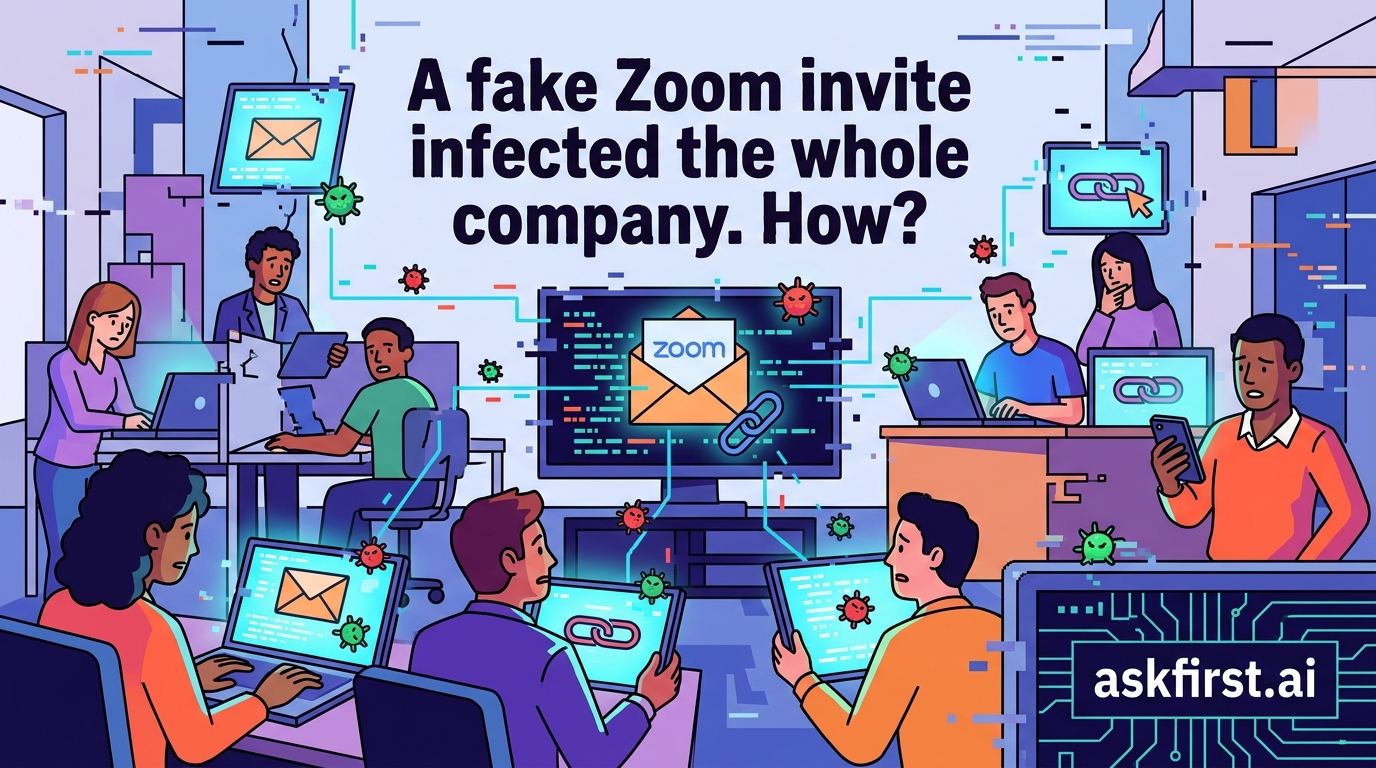
A "fake Zoom invite" is a classic social engineering vector, specifically categorized as Business Email Compromise (BEC) or Credential Harvesting. In the scenario where an entire company is infected, the attack typically leverages a combination of urgency, psychological manipulation, and technical exploitation of browser or system vulnerabilities.
1. The Vector: How the Compromise Occurs
The attack generally unfolds through one of three primary technical paths:
- Credential Harvesting (The "Login Wall"): The user receives an email that mimics a Zoom notification ("You have a scheduled meeting"). The link directs the user to a pixel-perfect clone of the Zoom login page. Once the employee enters their corporate credentials, the attacker captures them in real-time. If the company lacks Multi-Factor Authentication (MFA), the attacker gains immediate access to the internal network or email ecosystem.
- Malicious Payload Delivery (The "Installer" Trap): The email prompts the user to download a "Zoom plugin" or "Meeting Update" to view the invite. This file is actually a Remote Access Trojan (RAT) or a dropper. Once executed, it installs a backdoor, allowing the attacker to move laterally across the company’s internal network.
- Session Token Theft (The "AiTM" Attack): Sophisticated attackers use Adversary-in-the-Middle (AiTM) kits. These proxy the real Zoom login page, allowing the attacker to bypass MFA by capturing the session token after the user logs in, effectively "stealing" the active session without needing the password.
2. Why the Entire Company Falls
The "whole company" infection usually suggests the use of Wormable Malware or Account Takeover (ATO).
- Lateral Movement: Once the first employee is compromised, the attacker accesses their contact list and sends the same "fake invite" to everyone in the company address book. Because the email comes from a trusted internal colleague, the click-through rate is significantly higher.
- Internal Trust: Employees are conditioned to trust emails from internal domains. When the payload is delivered via an internal account, traditional spam filters often fail to flag the message as malicious.
3. Practical Response Guide: Immediate Steps
If an infection is suspected, follow this protocol:
- Isolate Infected Hosts: Immediately disconnect the compromised machines from the corporate network (Wi-Fi and Ethernet) to prevent the malware from spreading.
- Force Credential Resets: Require a global password reset for all employees and revoke all active OAuth tokens.
- Audit Logs: Examine Zoom and Microsoft 365/Google Workspace logs for unusual login locations, IP addresses, or mass email distribution patterns.
- Communicate: Send an out-of-band notification (via SMS or internal messaging apps) warning employees not to click any links from "Zoom" until further notice.
4. Prevention and Future Trends
To mitigate future risks, organizations must move toward Zero Trust Architecture.
- FIDO2 Security Keys: Move beyond SMS-based MFA to hardware keys, which are immune to AiTM phishing.
- Email Authentication: Strictly enforce DMARC, SPF, and DKIM to prevent domain spoofing.
- User Training: Implement simulated phishing tests. The goal is to train employees to hover over links to inspect the actual URL (e.g.,
zoom-support-login.comvszoom.us).
As we move into 2026, AI-generated phishing is becoming more prevalent, using LLMs to craft hyper-personalized emails that mimic the specific writing styles of company executives, making these "Zoom invites" increasingly difficult to detect. Vigilance and robust technical gating remain the only reliable defenses.