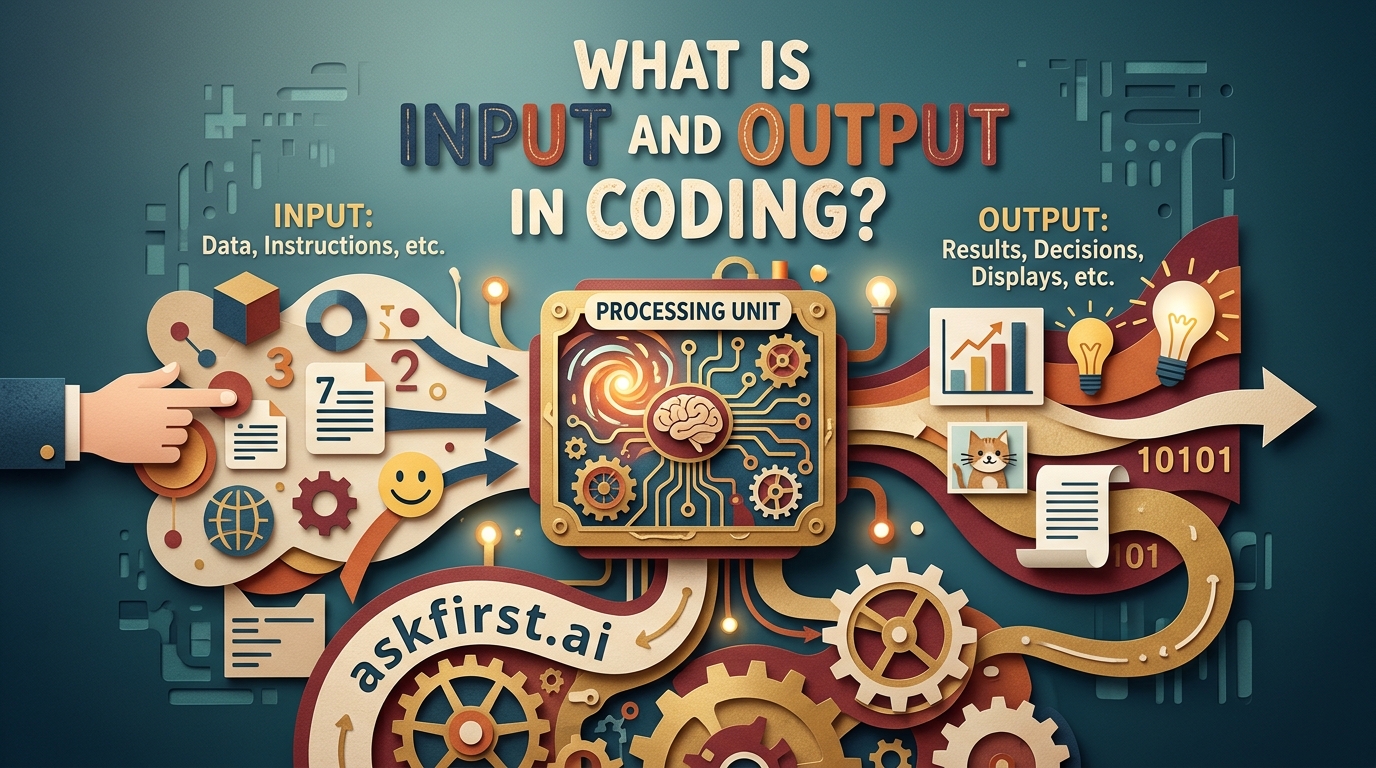
The Architecture of Logic: Understanding Input and Output in Programming
At the foundational level of computer science, the entire operation of a machine can be distilled into a singular, elegant cycle: Input → Processing → Output. Whether you are developing a complex neural network or a simple script to calculate the area of a circle, your code is essentially a machine designed to accept raw data, manipulate that data according to defined logical rules, and return a result. Understanding the relationship between these two interfaces is the gateway to mastering software engineering.
Defining Input: The Gateway of Information
Input refers to any data, signals, or instructions that a program receives from an external source. Without input, a program is essentially a static entity—a set of instructions waiting for a trigger. Inputs can originate from a variety of sources, including user interactions, files, databases, network packets, or even physical sensors in embedded systems.
In programming, we categorize input into two primary types:
- Standard Input (stdin): This is the default stream of data that comes from the user, typically via a keyboard or a command-line interface. For example, when you use the
input()function in Python orcinin C++, the program pauses execution to wait for the user to type something. - File/Stream Input: This involves reading data from an external file (like a CSV, JSON, or text file) or a database. This is critical for applications that need to process large datasets without requiring manual user intervention.
Concrete Example:
Consider a banking application. When you enter your account number and PIN, that data acts as the Input. The code does not "know" who you are until that input is ingested, validated against a database, and processed. In the seminal book The C Programming Language by Brian Kernighan and Dennis Ritchie, they emphasize that input is rarely "clean." Programmers must write code to handle "sanitization"—ensuring that what the user types matches the expected format to prevent errors or security vulnerabilities like SQL injection.
Defining Output: The Manifestation of Logic
Output is the result of the processing performed on the input. It is the manifestation of the program's logic, presented in a format that is either readable by a human (text, images, sound) or usable by another machine (API responses, binary files, database updates).
Output typically flows through these channels:
- Standard Output (stdout): This is the terminal or console where the program prints results. In Python, this is achieved via the
print()function; in Java,System.out.println(). - Standard Error (stderr): A secondary stream used specifically for diagnostic messages or error reports. Separating output from error streams is a best practice taught in The Pragmatic Programmer by Andrew Hunt and David Thomas, as it allows developers to redirect logs without polluting the actual program results.
- Persistence Layer: Writing output to a file or database. This is how software "remembers" things.
Concrete Example:
If you write a program to calculate the Fibonacci sequence up to the 10th digit, the Output is the sequence printed to your screen. However, in a more complex scenario, the output might be an HTTP response sent back to a web browser, formatted as JSON, which the browser then renders into a visual dashboard for the user.
The Interplay: The "Black Box" Concept
In software architecture, we often refer to the processing phase as a "Black Box." From the perspective of the user, the internal mechanics of the code are irrelevant; only the relationship between the input and the output matters.
This concept is heavily explored in Structure and Interpretation of Computer Programs (Abelson and Sussman), which argues that good code is modular. Each function should be a miniature "Input → Process → Output" system. By defining clear boundaries for what goes in and what comes out, you create code that is testable and maintainable.
If you provide a function with specific input, you should always be able to predict the output. This predictability is the cornerstone of Unit Testing. If you change the internal logic but keep the input/output interface consistent, the rest of your application will continue to function seamlessly.
Real-World Implications and Best Practices
To become an expert at managing input and output, one must consider the following:
- Validation: Never trust your input. Always validate that the data coming into your program matches your expectations (e.g., ensuring a "price" field is a float and not a string).
- Error Handling: What happens if the input is missing? A robust program should provide meaningful output (error messages) rather than crashing.
- Asynchronous I/O: In modern high-performance computing, waiting for input (like a network request) can slow down a program. Experts use asynchronous programming (such as
async/awaitin JavaScript or Python) to ensure that the program can continue processing other tasks while waiting for data to arrive.
Conclusion
Input and output are not merely technical features; they are the fundamental mechanisms through which software interacts with the reality it is intended to serve. Input provides the context and the problems, while output provides the solutions and the results. Whether you are working with low-level C memory buffers or high-level web APIs, the principles remain the same. By mastering how data enters and leaves your code, you transition from writing simple scripts to engineering complex, resilient, and reliable systems. Remember the mantra: Garbage In, Garbage Out. The quality of your output is always tethered to the integrity of your input and the precision of the logic in between.