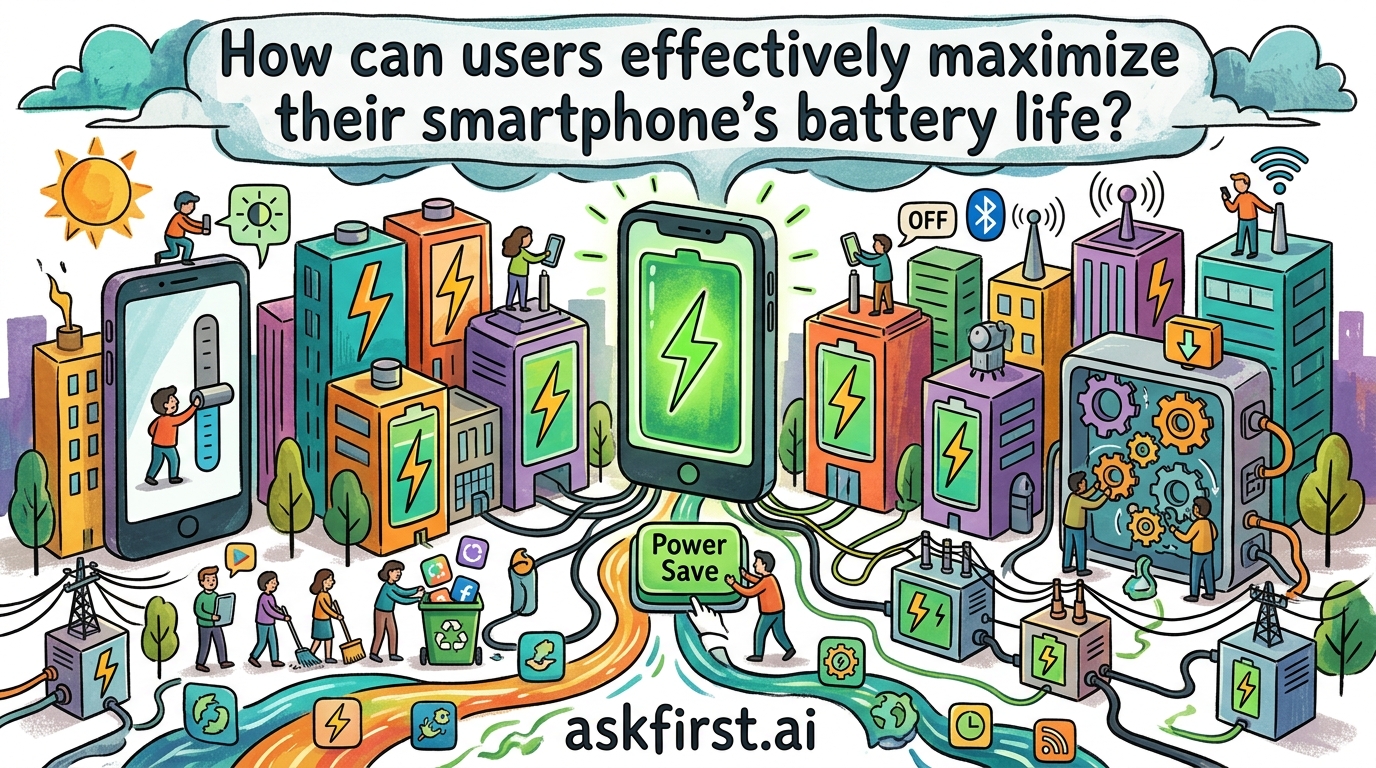
Mastering Smartphone Longevity: A Comprehensive Guide to Battery Optimization
In an era where our smartphones serve as the central nervous system of our professional and personal lives, battery anxiety has become a modern malaise. Whether you are navigating a bustling city, documenting life through high-resolution photography, or managing remote teams, the longevity of your device’s power cell is paramount. Lithium-ion (Li-ion) batteries, the industry standard, are complex electrochemical systems that degrade over time. However, by understanding the chemistry of these components and implementing strategic usage habits, you can significantly extend both your daily runtime and the total lifespan of your device.
The Chemistry of Degradation: Understanding Your Battery
To maximize battery life, one must first understand how Li-ion batteries function. As noted by Dr. John Goodenough, the Nobel Prize-winning co-inventor of the Li-ion battery, these cells rely on the movement of lithium ions between a cathode and an anode. Over time, this movement causes physical and chemical stress, leading to "capacity fade."
The primary enemies of your battery are heat and extreme state-of-charge cycles. Batteries are most stable when kept between 20% and 80% charge. Charging to 100% and letting the device drain to 0% creates high voltage stress and chemical instability. By keeping your battery within the "sweet spot" of the middle range, you reduce the mechanical strain on the battery’s internal structure.
Optimizing Software and System Settings
The most immediate gains in daily battery life come from fine-tuning how your operating system manages background tasks. Modern mobile OS environments, such as iOS and Android, are sophisticated but often aggressive in their resource consumption.
- Audit Background App Refresh: Many applications constantly ping servers for updates, even when you aren't using them. Navigate to your settings and restrict "Background App Refresh" to only the most essential services.
- Manage Location Services: GPS is one of the most power-hungry components of any smartphone. Limit location access to "While Using" rather than "Always" for apps that do not require constant tracking.
- Embrace Dark Mode: If your smartphone features an OLED or AMOLED display—common in flagship models from Samsung, Apple, and Google—using a dark theme can save significant power. Because OLED panels light up individual pixels, displaying black pixels effectively turns them off, drastically reducing energy draw.
- Refresh Rate Control: High-refresh-rate screens (90Hz or 120Hz) provide fluid visuals but consume more energy. If you are facing a long day without a charger, toggling your display to a standard 60Hz can yield a noticeable improvement in battery endurance.
Thermal Management: The Silent Killer
Heat is the absolute nemesis of battery health. According to Battery University, an online resource maintained by Cadex Electronics, exposure to temperatures above 30°C (86°F) can lead to permanent capacity loss.
Avoid leaving your phone in hot cars, on windowsills in direct sunlight, or under a pillow while charging. Furthermore, high-intensity tasks like 4K video recording, intensive gaming, or using the phone while it is plugged into a fast charger generate significant internal heat. If your phone feels hot to the touch, stop the current activity and allow it to cool down to ambient temperature. This simple act of thermal regulation is perhaps the most overlooked aspect of long-term battery preservation.
Smart Charging Habits and Future-Proofing
The era of "deep cycling" (fully charging and fully discharging) is a relic of the Nickel-Cadmium battery age. For modern devices, "topping off" is actually beneficial.
- Avoid Overnight Charging: While modern phones are smart enough to stop drawing power when full, keeping a battery at 100% for eight hours every night keeps the voltage high, accelerating degradation. Utilize features like Optimized Battery Charging (found on iPhones) or Adaptive Charging (found on Android devices), which learn your sleep patterns and wait to finish the final 20% of the charge until just before you wake up.
- Use Quality Cables: Cheap, uncertified charging cables can provide inconsistent voltage, which damages the delicate power-management integrated circuits (PMICs) within your phone. Invest in cables and bricks certified by the manufacturer or reputable third-party brands like Anker or Belkin.
Conclusion
Maximizing your smartphone’s battery life is not about obsessing over percentages, but rather about integrating healthy habits into your daily routine. By keeping your device cool, managing background background processes, utilizing dark modes, and avoiding the extremes of 0% and 100% charge, you can significantly delay the inevitable degradation of your battery. Treat your battery with the same care you would any other high-performance component, and it will serve you reliably for years to come. Remember, the goal is to manage your device’s energy consumption so that it remains a tool that serves you, rather than a device you serve by constantly searching for a wall outlet.