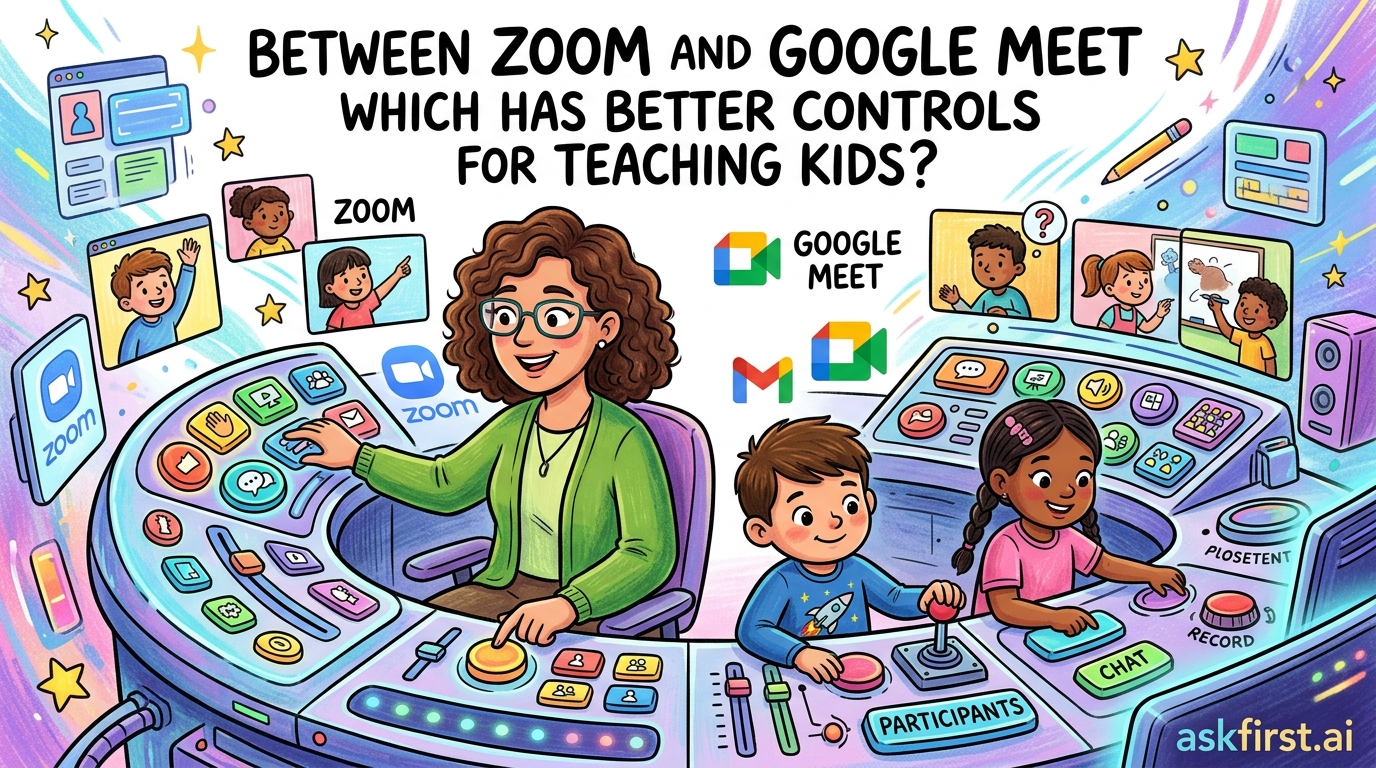
Selecting the optimal video conferencing platform for educational environments requires a nuanced understanding of how digital tools interact with the cognitive and behavioral needs of children. When comparing Zoom and Google Meet, the decision often hinges on the specific pedagogical goals: Zoom offers an expansive, feature-rich environment for highly structured, interactive lessons, whereas Google Meet provides a streamlined, security-centric interface that integrates seamlessly into the Google Workspace for Education ecosystem.
The Architectural Philosophy: Control vs. Simplicity
Zoom was built as a general-purpose communication tool, which means its feature set is exceptionally broad. For teachers working with younger students, this can be a double-edged sword. On one hand, the "Breakout Rooms" feature is arguably the gold standard for pedagogical interaction. As noted in The Distance Learning Playbook by Douglas Fisher, Nancy Frey, and John Hattie, small-group instruction is vital for maintaining student engagement in virtual settings. Zoom allows teachers to pre-assign students into groups, broadcast instructions, and drop into these rooms to monitor progress. This level of granular control is significantly more advanced than what Google Meet currently offers.
Conversely, Google Meet operates on a philosophy of "frictionless entry." Because it is a web-based application that requires no software installation, it removes a common barrier for children who may be struggling with technology. For younger children—particularly those in primary school—the interface is much cleaner. There are fewer buttons to press, which reduces the likelihood of a student accidentally muting the teacher, changing their background, or opening settings they do not understand.
Security and Classroom Management
In the context of the K-12 environment, student safety is paramount. Google Meet is deeply integrated with Google Workspace for Education, which means that teachers can restrict meetings so that only students within the school’s domain can join. This effectively eliminates the risk of "Zoombombing," which plagued the early days of the pandemic. According to the security documentation provided by Google in their Education Security Guide, the platform uses encrypted streams and forces students to sign in with managed school accounts, ensuring that the teacher maintains full administrative control over the digital space.
Zoom has made massive strides in this area since 2020. They introduced the "Waiting Room" feature and "Suspend Participant Activities" button, which allows a teacher to instantly lock a meeting and remove a disruptive student with two clicks. However, Zoom’s security is often an "opt-in" or "configure-yourself" model. If a teacher is not well-versed in the settings menu—which is extensive—they might inadvertently leave a meeting vulnerable. Google Meet’s security is "baked-in" by default, making it the safer choice for educators who are not tech-savvy.
Pedagogical Tools and Student Engagement
When it comes to keeping children focused, the tools for interaction are the deciding factor. Zoom offers a superior suite of engagement tools, including:
- Advanced Polling and Quizzing: Zoom allows for real-time data collection that is highly visual and easy for students to interact with.
- Annotation Tools: Zoom’s "Whiteboard" and annotation features allow students to write on the teacher's shared screen. This is a game-changer for math and literacy lessons where modeling is essential.
- Non-verbal Feedback: Students can use emojis, "raise hand" icons, and status indicators (like "go slower" or "yes/no") that appear directly on the teacher’s participant list, providing instant, non-disruptive feedback.
Google Meet has caught up by adding features like "Q&A" and "Polls," but they feel like secondary add-ons compared to Zoom’s native integration. However, Google Meet’s integration with Google Classroom is unmatched. If a school district uses Google Classroom as their primary hub, the "Meet" link is automatically generated and pinned to the top of the class page. This creates a predictable routine for children, which is a core tenet of effective classroom management as outlined by Harry Wong in The First Days of School.
Conclusion: Which One Should You Choose?
The choice between these two platforms is essentially a choice between power and stability.
If your primary goal is to conduct highly interactive, multi-modal lessons that involve small-group collaboration, complex screen sharing, and frequent student-led annotation, Zoom is the superior tool. Its robust administrative controls allow a teacher to curate a very specific digital classroom environment.
If your primary goal is to provide a safe, consistent, and easy-to-access virtual space for children who may have limited technical support at home, Google Meet is the better option. Its seamless integration with the educational ecosystem and "default-secure" approach minimize the technical hurdles that often derail lessons with younger students. Ultimately, the best tool is the one that allows the teacher to focus on the student rather than the software.