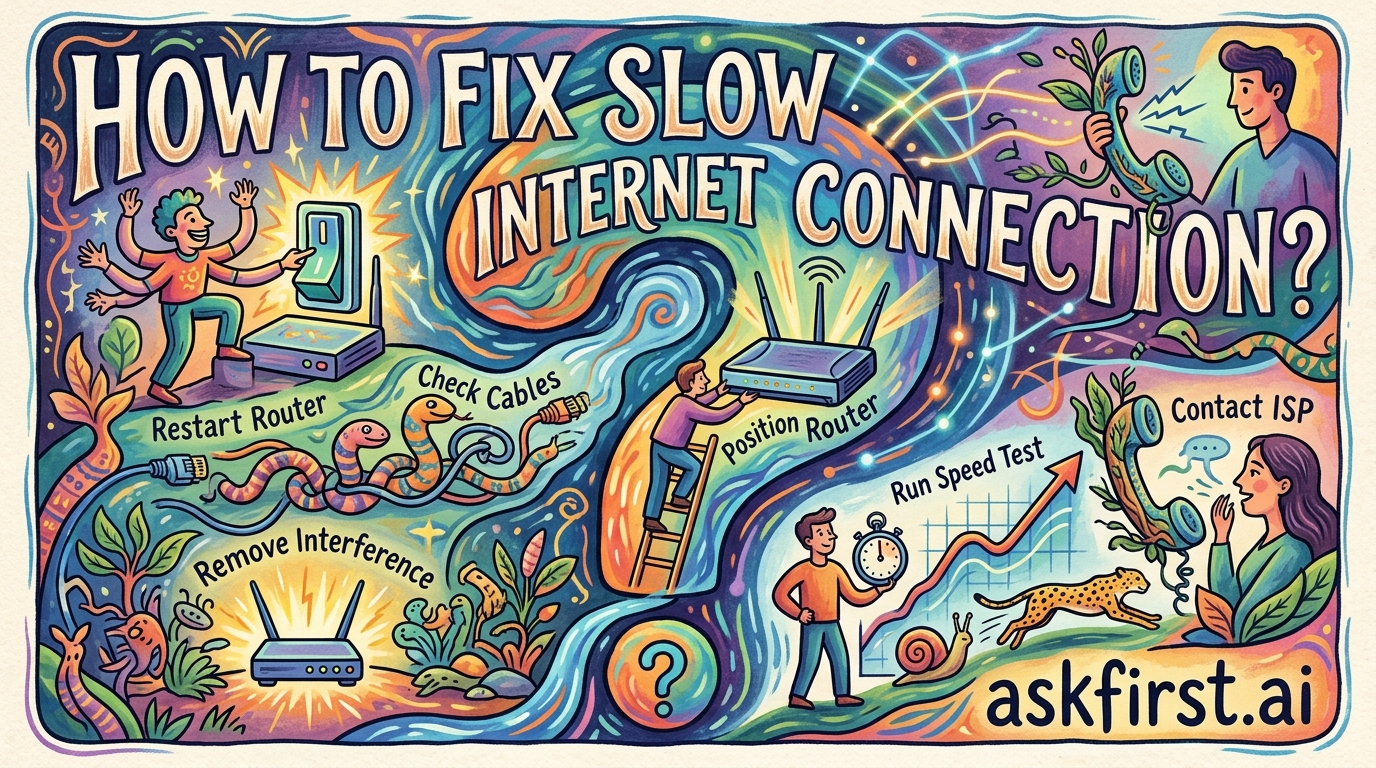
If your internet connection is running slowly, you can follow these troubleshooting steps to identify and resolve the issue:
- Restart your equipment: Unplug your modem and router from the power source, wait for 30 seconds, and plug them back in. This clears the cache and resets the connection with your ISP.
- Run a speed test: Use a site like Speedtest.net or Fast.com to determine if you are actually receiving the speeds you are paying for. Compare these results with your internet service plan.
- Check for background interference: Ensure your router is placed in a central, elevated location away from walls and electronic devices (like microwaves or baby monitors) that can cause signal interference.
- Reduce device load: Check if other devices on your network are downloading large files, streaming in 4K, or performing system updates, as these consume significant bandwidth.
- Use a wired connection: If possible, connect your computer directly to the router using an Ethernet cable. This eliminates potential Wi-Fi signal issues and provides a more stable, faster connection.
- Update router firmware: Log into your router’s administrative settings (usually via a web browser) to check for and install any available firmware updates.
- Clear browser cache: Sometimes, a cluttered browser cache can make websites appear to load slowly even if your connection is fine. Clear your browser's cache and cookies.
If the problem persists:
- Contact your ISP: Your Service Provider may be experiencing an outage in your area or there could be a fault with the line coming into your home.
- Consider an upgrade: If you have many devices connected simultaneously, you may simply need a higher-tier internet plan to handle your household's bandwidth requirements.